If you found this article, you may be a musician, a DJ, a fitness instructor, or really anyone that could benefit from an incredible sounding, yet easy-to-manage portable PA system? Pair that with rock-solid durability, failsafe reliability, and a clean and powerful amplifier and DSP package – all managed by a single, simple-to-use app and you’ve found JBL Pro’s latest portable PA speakers and systems. And most are also backed by an unprecedented 7-year warranty.
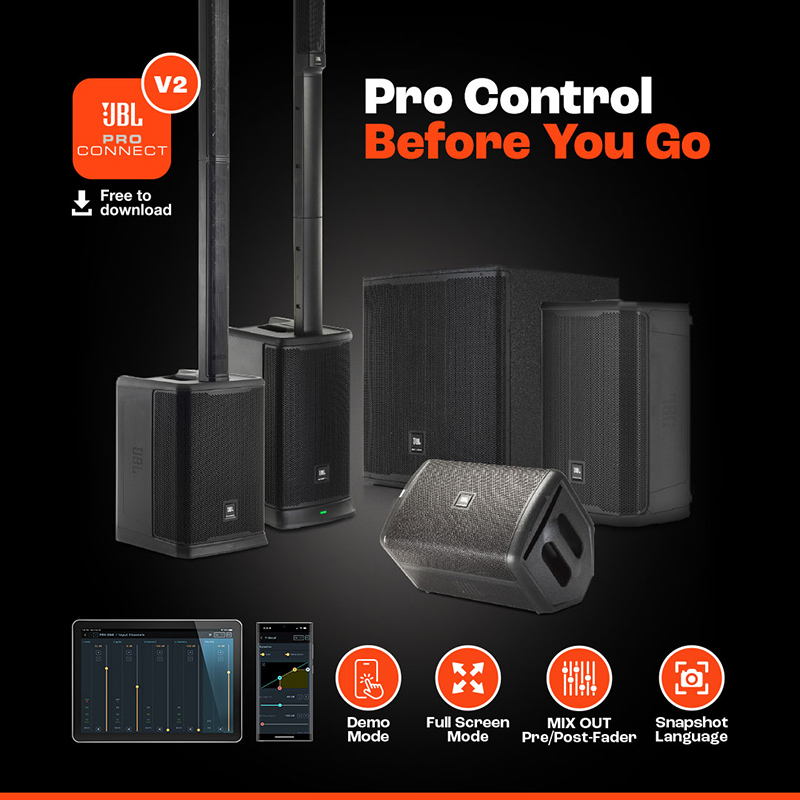 So let’s take a closer look at how to get the most out of these speakers and systems with an ongoing Series that takes several deep dives into some of the most popular features of the JBL Pro Connect app.
In this article, we’ll be discussing “Presets” the magic of the many pre-configured and ready-to-go JBL Pro Connect app settings that users can use as shortcuts into getting just the right sound they’re looking for and then optimizing and saving those settings to use whenever they want.
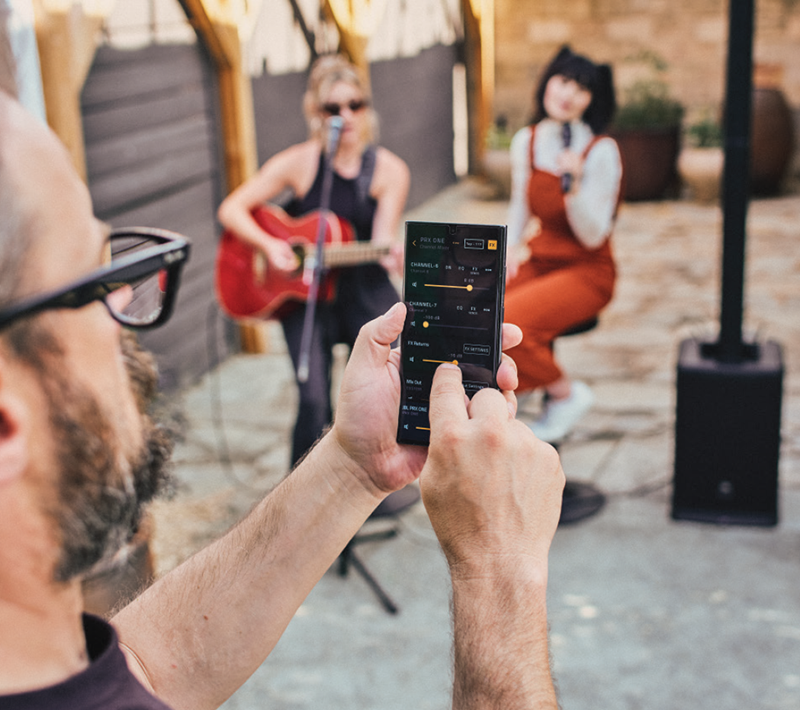
But first let’s talk a little more about the app. Although all JBL portable PA speakers include physical knobs and buttons to easily adjust and control power, volume, EQ, and every setting, the Pro Connect app, free for Android and iOS mobile devices, integrates the physical speaker controls of the latest JBL portable PA speakers right into the app.
And you only have to download one app no matter which Pro Connect-enabled speaker you own or want to try out. And you can try all of them out, via the app’s easy-to-use DEMO MODE – go ahead, try them out.
We recently sat down with Brandon Knudsen JBL Pro’s Senior Product Manager for portable PA solutions to talk more about presets and how to best utilize them to create, perform, and present your best work. Brandon shares how they can really elevate the listening and management experience, no matter your application or skill level.
Explore JBL Pro Connect App Capabilities
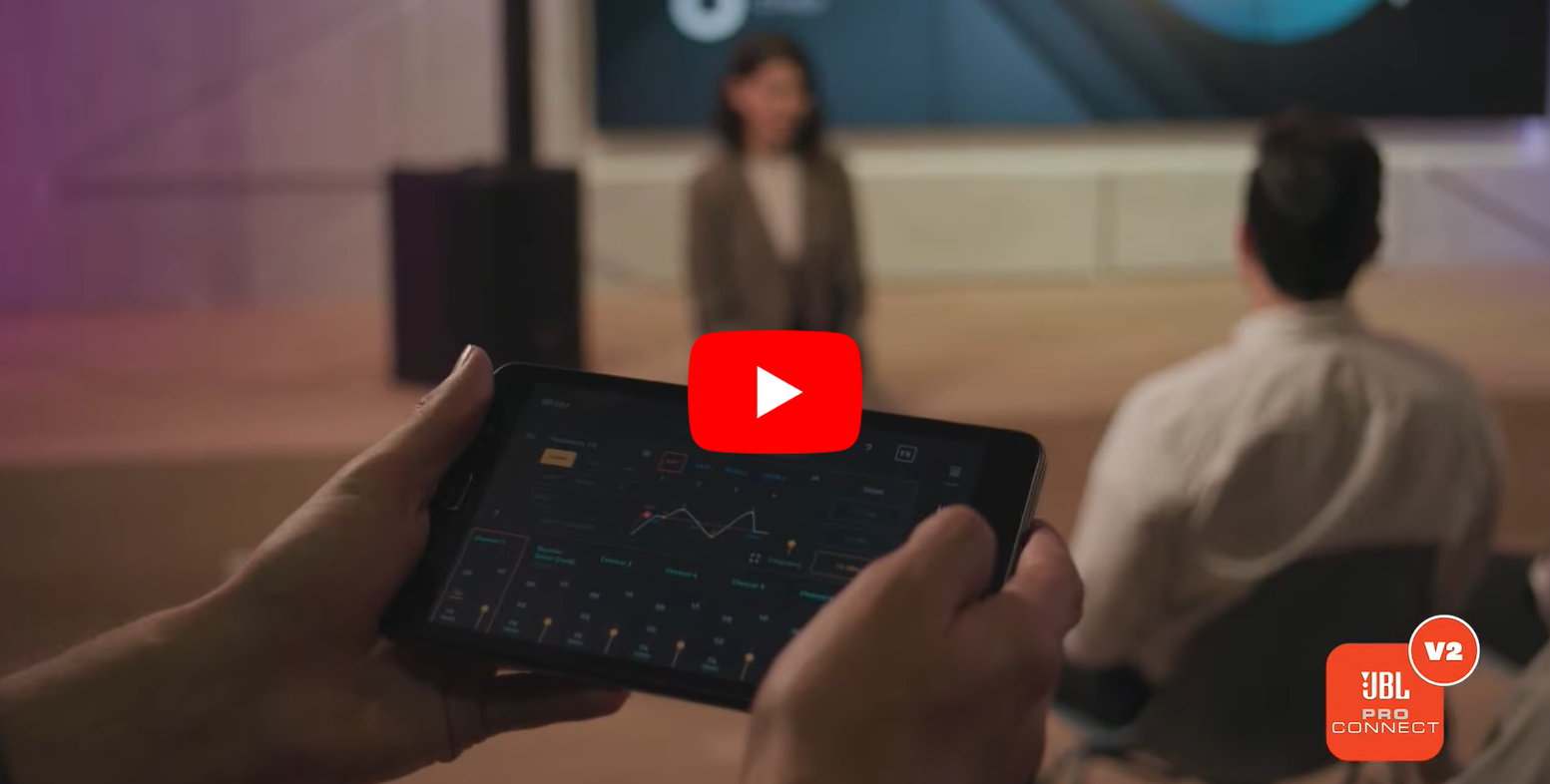
Thanks for meeting with us again Brandon. First off, we’d love to get your description of presets and how they’re best used?
Sure, thanks for having me. So in the simplest terms, the presets provided in our Pro Connect-enabled speakers are quick and easy canvases that cover some of the most common application scenarios, like speech, vocal style, space, or location used.
At JBL Pro, we’ve always put the user and their experience as our first and foremost focus because we want them to sound their very best and make the setup and execution process as simple as possible.
So that’s where presets come in, again we build them as canvases so they can get into a pre-configured setup for their particular scenario and then tweak, adjust, and optimize to what works best for them.
Which JBL portable PA speakers and systems include presets?
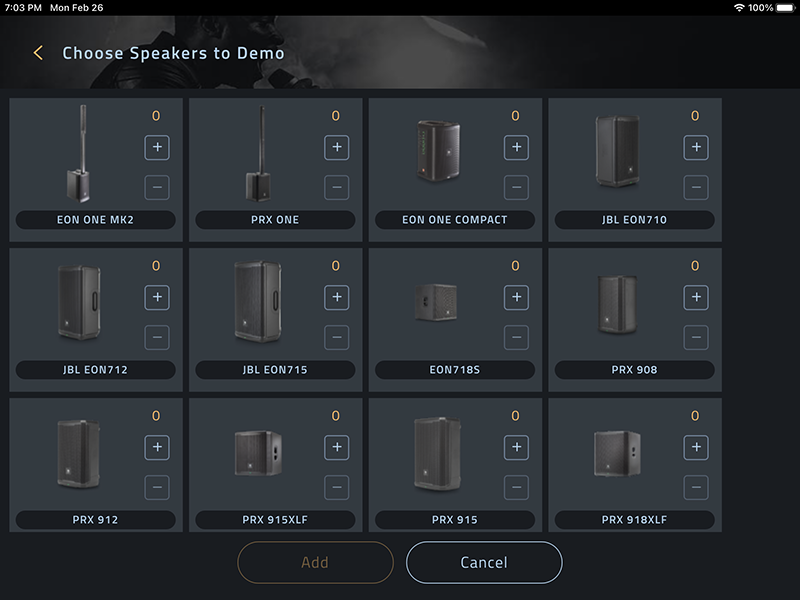 So all of our Pro Connect-enabled speakers have preset capability. Currently, that includes these systems from our portable PA portfolio: PRX900, EON700, PRX ONE, EON ONE MK2, and EON ONE Compact. We are always looking to make system management simpler for our users and plan to include Pro Connect app control in as many future systems as are applicable.
Why are presets a valuable feature to try out regardless of your application?
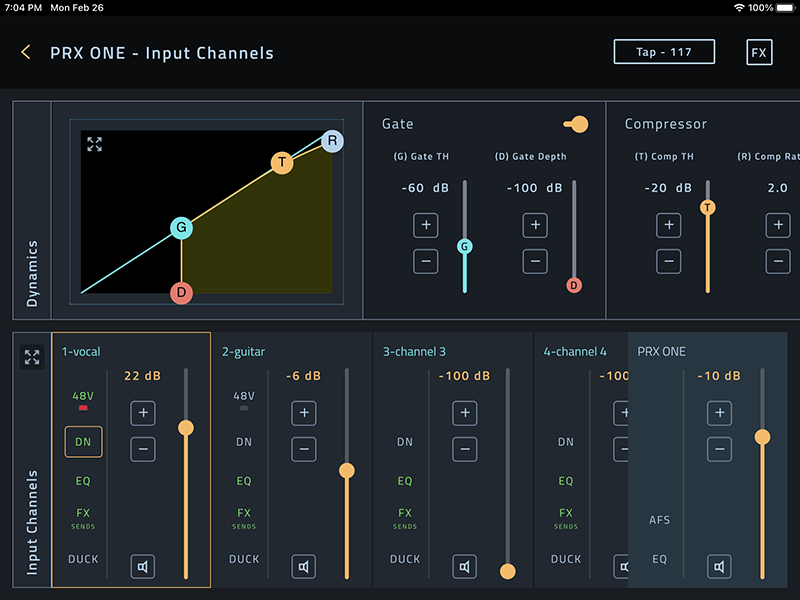
Once you download the app, you’ll quickly discover that with just a few taps, you are able to save a ton of time and effort getting your sound just right. You can fine-tune everything from input EQ to dynamics, gates, limiters, chorus delay, and more. Presets give you a quick tonal adjustment for your scenario or they can give you a starting point to begin to edit and fine-tune. They are just great time savers.
For users with more experience and familiarity, there’s an advanced option with more in-depth presets like advanced EQ, gate, compressor, tap, delay, reverb, output limiter, output EQ, and so on. Whether you’re adjusting compressors or adding reverb, we’ve tried to make achieving the sound you’re looking for that much easier. We really want to free your time up to focus on your performance, not the tech.
Which presets are more effective for musicians versus presenters?
 The preset names become very obvious in deciding which to use, as we didn’t try to overthink it. Using an acoustic guitar? Load the ‘Acoustic Guitar’ EQ preset. Speaking on a microphone? Load the ‘Acoustic Guitar Speech’ preset. My best advice is just to dive in and start playing around with them – I think you’ll quickly discover you’ll find the presets that work best for you.
Can users customize their presets for different environments and performance types?
Definitely. Users can load any of our pre-configured presets as a starting point, edit to their hearts’ content and use them as new custom presets. To ensure you don’t have to start the tweaking process at your next session, you simply save these presets in a snapshot for later use.
What other tips can you share to help users truly get the most out of our their presets?
I guess I’d have to reiterate that presets aren’t intended to be the end-all-be-all of tone. The best part of crafting a tonal profile that you like is experimenting because there’s never a wrong way to utilize presets and some of the best custom Presets come out of the experimentation process. So, use the presets as a starting point and start twisting and turning! If you don’t like your preset, reset it back to 0 and start all over again – you’ll probably invent an even cooler sound the next go-round.
Thanks for talking with us Brandon. To wrapup, what is your favorite preset and why?
It was my pleasure. Personally, I’d have to say that I love the more practical ones that I use. Throwing a quick ‘Speech’ Preset on a microphone that will be used for a presentation will save me so much time in dialing in a good sound. Same with using a ‘Male Vocal’ preset. It helps me get so much closer to where I want to be, in a much quicker fashion. In closing, just have fun, try and be open to experimenting with new sounds, tweaks and adjustments – helping you realize your best sound underscores our entire design philosophy.
EXPLORE FURTHER
Dive into our support resources to get complete details, specifications, and more:
- Details and Specifications:
- Videos:
- Subscribe:
-
- Sign up to receive our latest updates via email
- Get notified of our latest videos to debut on YouTube
READY TO TALK TO A SOLUTIONS EXPERT
If you are interested in JBL Pro Connect app, Portable PA, or other professional audio support, we have a solutions expert ready to assist you. To locate a representative near you, please visit our WORLDWIDE LOCATOR.