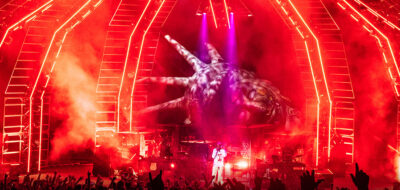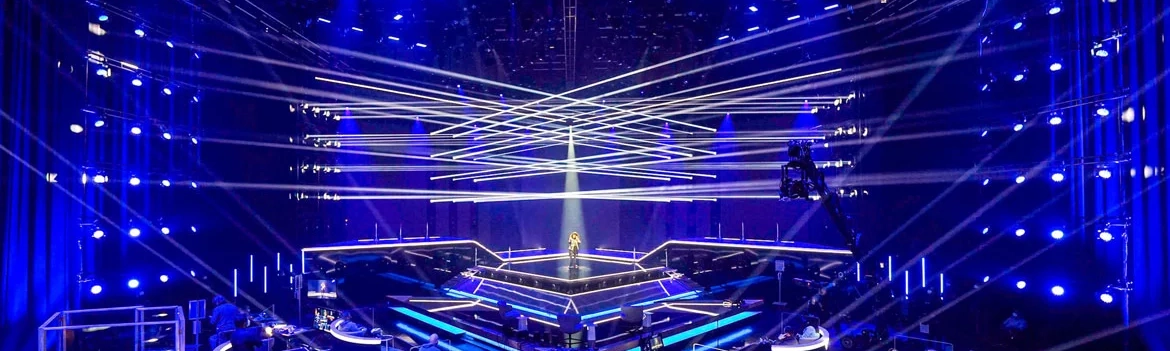
(Featured image courtesy of Lightpower article showcasing Starmania installation utilizing P3 control. Image: © ORF)
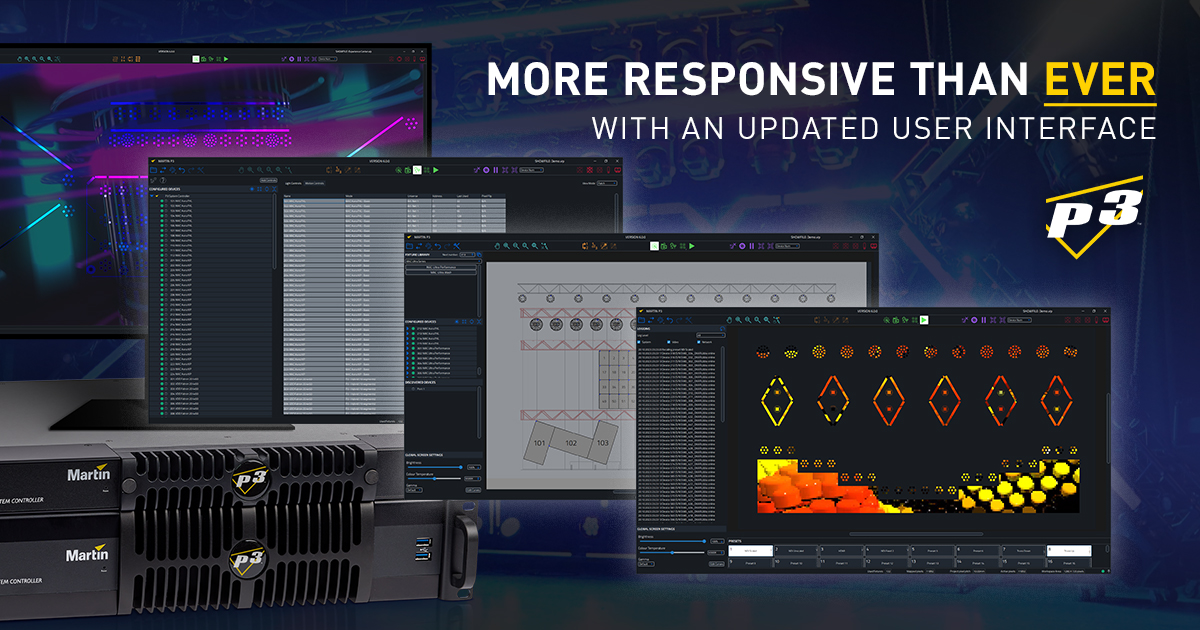
Martin Professional’s P3 Visual Control platform is powerful mapping and rig management lighting design software that transforms how lighting designers blend video and DMX in one system. Featuring game changing pre-visualized lighting design software enhancements, it gives true creative freedom to craft dynamic visuals.
By uniting DMX and video control, P3 lets you enter parameters or send rich video content directly to fixtures. This approach eliminates limits on pixel count, synchronization, and addressing.
We recently spoke with Wouter Verlinden. He is Product Manager for Creative LED, Lighting, and Control at Martin Professional and HARMAN Professional Solutions
Wouter shared how this innovative lighting design software greatly expands creative possibilities for lighting designers. He also offers in-depth insight into P3’s pre-visualized lighting design software enhancements and other recent updates to the P3 software platform.
Design Game Changer
 Q. Wouter, thanks for talking with us. What inspired Martin to develop P3 Control solution? How does it differ from DMX, Art-Net or sACN solutions?
A. I’m glad to be here. P3 was born from the need to drive high-pixel-count LED fixtures, like video panels and creative LED fixtures. Traditional protocols buckle under hundreds or thousands of pixels. This causes sync issues and complex addressing. P3 merges video and DMX into one streamlined infrastructure. It gives designers a centralized hub to map, address, and manage all fixtures.
Unlocking Creative Freedoms
Q. What creative freedoms does P3 unlock that designers couldn’t achieve before?
A. P3 goes beyond raw pixel throughput. It empowers designers to blend abstract video content, live feeds, and interactive media with moving lights – all in a unified environment. Designers can send video to fixture groups or trigger textures on the fly.
Real-time generative content brings it up a notch, certainly when it’s interactive to motion or other types of sensors. This transforms buildings, stages, and event environments into responsive multimedia experiences.
MVR Integration & Time Savings
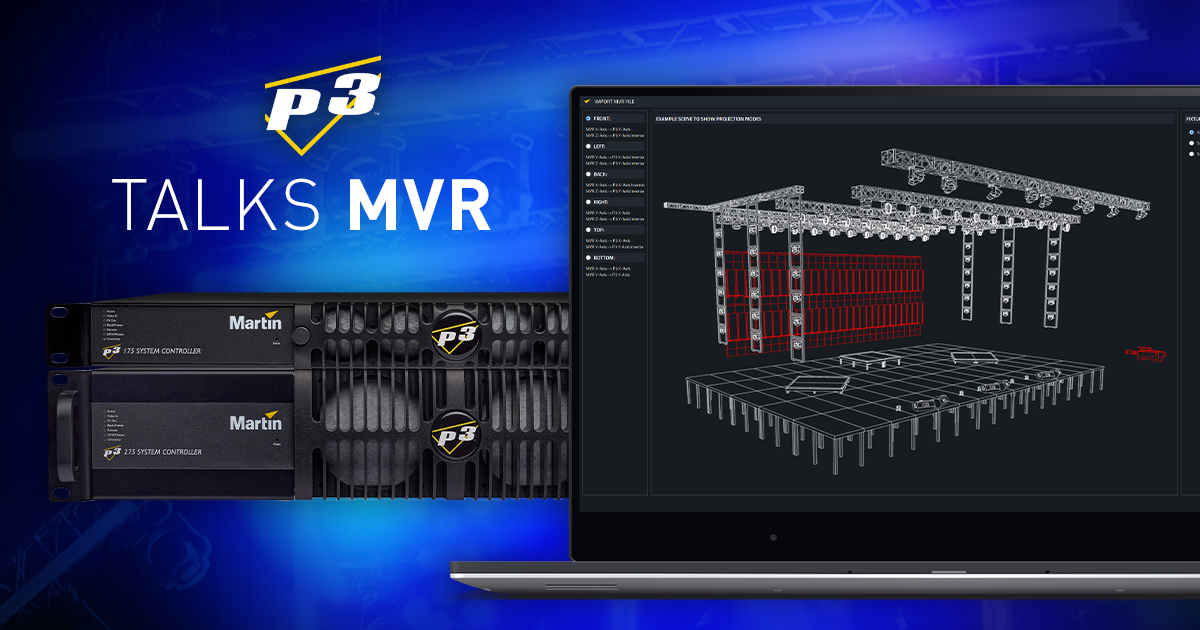 Q. How does P3’s addition of MVR integration save time in real-world projects?
A: With MVR import/export, designers can instantly pull fixture layouts, patch details, and positions from CAD or visualization software. No manual data entry is required.
When the design evolves, you update the MVR file and reimport. This one-click workflow prevents costly errors and slashes show file build time. It also ensures the lighting console, visualizer, and P3 controller speak the same language. This reduces setup headaches on fast-turn gigs.
Live Preview & Real-Time Monitoring
Q. Can you share how P3’s live preview and real-time monitoring can transform a complex installation?
A. Sure. Imagine a design with hundreds of LED battens and pixel-mapped moving heads. With P3’s live preview, you adjust looks in the software before connecting to fixtures. You can also monitor fixture health, temperature, and status in real time. This instant feedback is a major time-saver.
Spotlight on Martin’s P3 Third-Party 3D Visualizer Protocol
Martin P3 System Controller Software 6.2.0 introduces the P3 Visualizer Protocol. This update enables seamless integration with third-party 3D visualization tools. With this lighting design software, LDs, programmers, and technicians can now create an end-to-end solution. They integrate visualization software directly with the P3 System Controller.
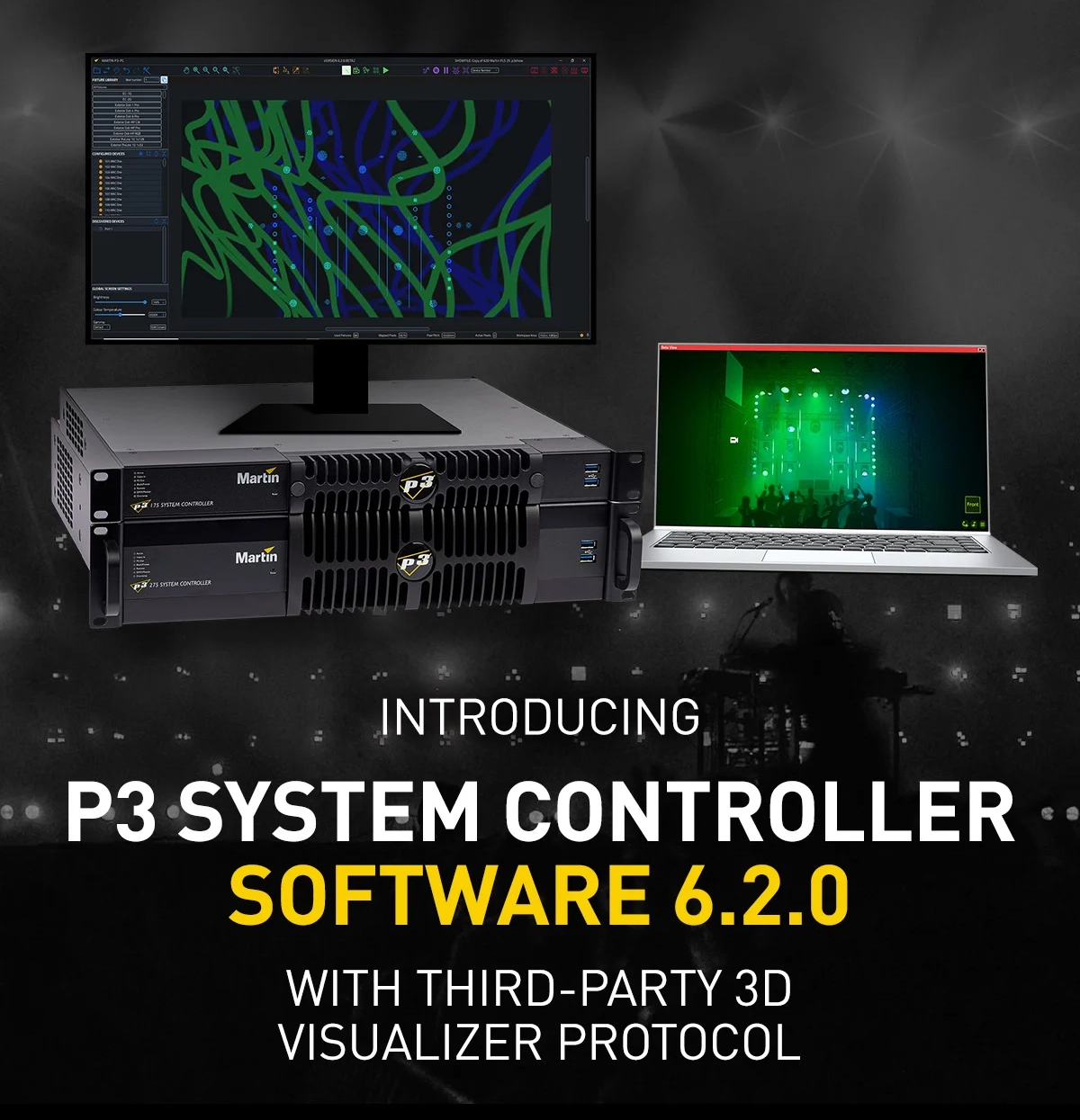
Explore Martin’s P3 Visual Control Update 6.2.0 with the 3rd Party 3D Visualizer Protocol.
Getting to Know the P3 Third-Party 3D Visualizer Protocol
Q: What was the driving force behind adding the P3 Visualizer Protocol to the P3 platform?
A. Designers and programmers need to see “the full show” on one monitor during pre-programming. Until now, lighting elements and video elements of a show were visualized separately, making the pre-programming process complicated and hindering creativity. The P3 Visualizer Protocol enables 3D visualizers to preview the show in its entirety, as the P3 System Controller forwards data in real time.
Seamless Integration
Q: How seamless is visualizer integration with P3 since version 6.2.0?
A. It’s virtually ‘plug-and-play’. Connect a P3 System Controller to a computer running visualization software—like Capture 2025, the first visualization software to incorporate the P3 Visualizer Protocol—via Ethernet.
The P3 Visualizer Protocol then auto-establishes communication, and shares all information in real-time: pixel data, patch information, fixture selection, color gamut description, synchronization and more.
Improving Collaboration During Pre-Production
Q: How does the P3 Visualizer Protocol improve collaboration during preproduction?
A: The protocol gives everyone a shared, real-time digital replica of the rig. Lighting designers, programmers, and media teams all see the same output. They stream data directly from the P3 System Controller. Accurate fixture parameters, pixel data, and other updates flow instantly.
Teams no longer need to look at multiple monitors, as it’s all coming together in one place. Designers validate visual aesthetics. Programmers verify cues and timing. Video teams align content precisely to fixture layouts. Collaboration becomes a smooth, interactive process. The visualizer acts as a true collaborative canvas.
Real-Time Sharing of Fixture Data
Q. In practical terms, how does real-time sharing of fixture data accelerate the creative process?
Ready to dive into P3 Visual Control? We’ve got a wide variety of tutorials, demos and more to support all skillsets in getting to know P3. Check it out.
A. Imagine tweaking console cues or your P3 show file and seeing changes instantly in the 3D visualization. Pixel shifts, movement timings, and color fades all update live.
This tight feedback loop lets you refine looks faster. You can also vet complex sequences digitally and catch issues early. Designers gain the freedom to experiment boldly.
Wrapping Up
We hope this guide to lighting design software and Martin’s next-gen P3 third-party 3D visualizer protocol was helpful.
Explore the resources below to assist with your research and purchasing journey.
Exploring Further
Details & Specifications:
Subscribe:
-
- Sign up to receive our latest updates via email
- Get notified of our latest videos to debut on YouTube
Connect with Us