
Professional lighting setups demand precise configuration, reliable diagnostics, and up-to-date firmware. Yet DMX addressing, firmware mismatches, and manual data entry often slow down designers, rental houses, and system techs. Effective lighting fixture management tools can eliminate these pain points and keep every show on track.
We talked with Wouter Verlinden about this topic. He is the Product Manager for Creative LED, Lighting, and Control at Martin Professional and HARMAN Professional Solutions.
Wouter shared his insights on some of the challenges that come with configuring and maintaining pro lighting fixtures. As a co-architect of Martin’s Companion Mobile and Companion Desktop apps, Wouter shared how these fixture configuration and diagnosis tools, available free-of-charge, can assist with overcoming these hurdles to deliver efficient fixture deployment.
Identifying Workflow Pain Points
Q: Thanks for talking with us, Wouter. What are the top setup challenges you often hear from LDs, rental houses and other lighting pros?
Professional lighting setups demand precise configuration, reliable diagnostics, and up-to-date firmware. Effective lighting fixture management tools can eliminate these pain points and keep every show on track. Learn more.
A: Designers and console programmers are way too often confronted with “basic” errors. These include fixtures being set to the wrong DMX mode, fixtures set to a different speed mode, or other settings which are not aligned across multiple fixtures in the rig.
Firmware mismatches are another common issue. Fixtures are sent out on the road with outdated firmware, which often leads to hours of troubleshooting before somebody realizes that some of the fixtures are running an older version.
Q: How do these issues impact show delivery?
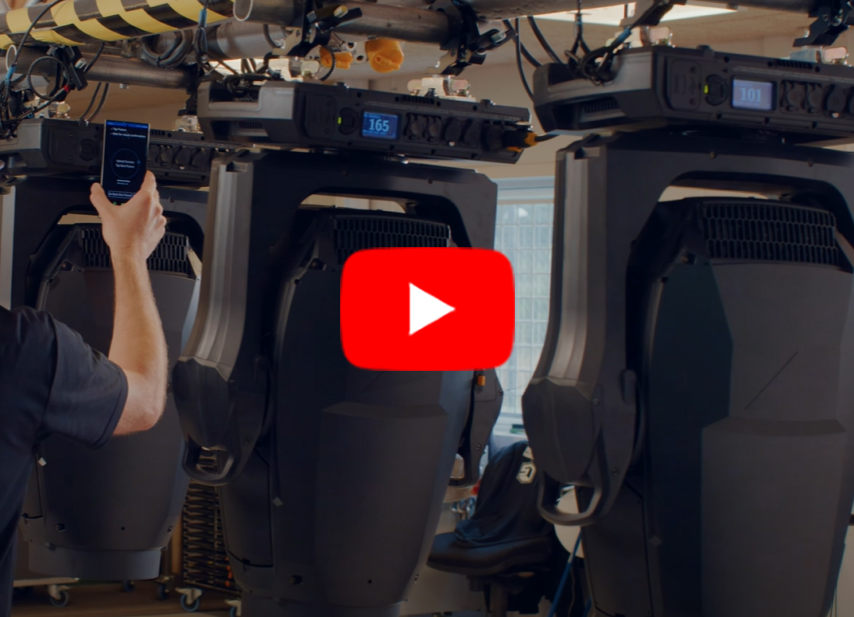
Fixtures get sent out on the road with outdated firmware, which often leads to hours of troubleshooting before somebody notices that some of the fixtures are running an older firmware version. Learn more.
A: Every delay in setup reduces the time available for programming and rehearsals. When a fixture doesn’t respond correctly due to a misaligned setting or outdated firmware, it can delay the schedule.
System techs and rental houses operate under tight schedules, and any technical setback adds pressure to an already typically tight schedule. If a show starts late or has visible lighting errors, it reflects poorly on the entire production team. That’s why streamlining fixture management isn’t just a convenience—it’s a necessity.
Easing the Process
Q: Are there existing methods to ease these processes?
A: It is quite surprising our industry hasn’t solved these challenges yet. Some tools do exist (mostly based on the RDM protocol), but they are usually quite unintuitive, and do not handle all available settings in complex moving head fixtures. These tools are often not free, and typically require dedicated hardware to be purchased.
Q: What would an ideal solution look like?
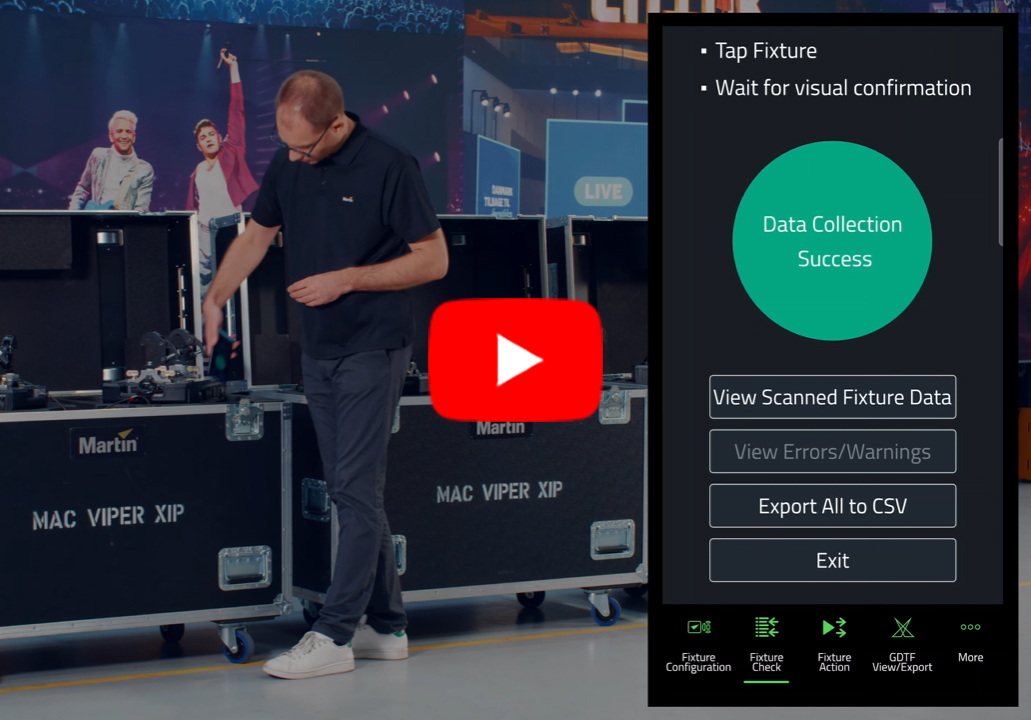
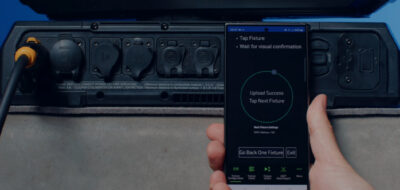
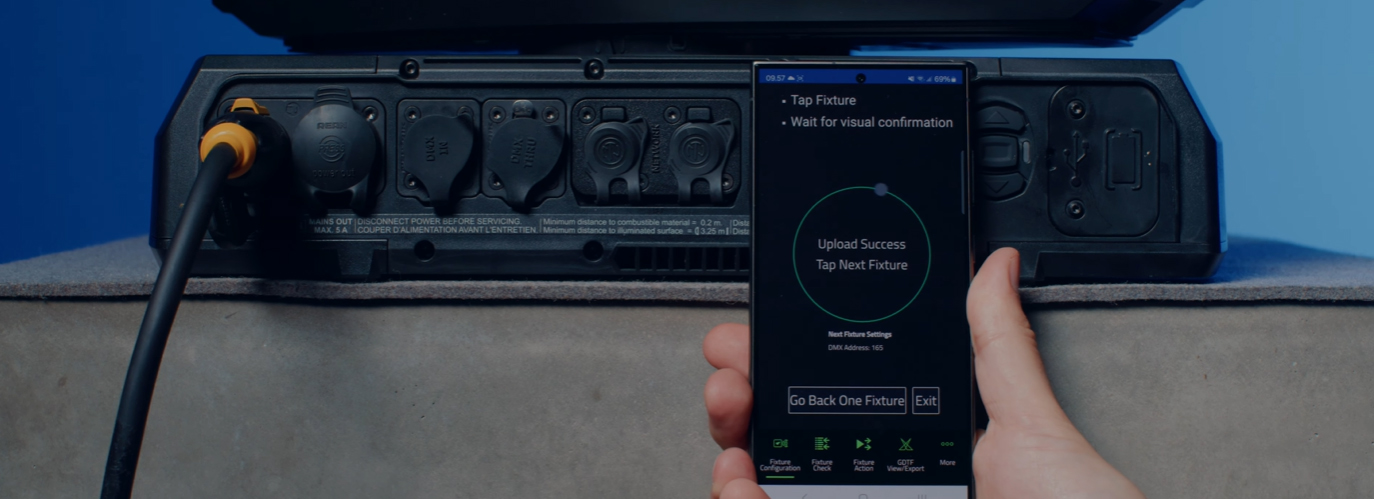
Companion Mobile is designed for speed and simplicity. Its NFC-based configuration means you can program fixtures straight from the flight case. Check it out.
A: The perfect tool would be able to access every single parameter within a fixture, and get these parameters fully aligned between fixtures, in the warehouse and on the road.
It would communicate with fixtures via NFC (Near Field Communication), but also support protocols such as RDM and RDM over Network for scenarios where the fixtures are out of reach.
Bulk actions—like assigning DMX addresses or updating firmware across dozens of fixtures—should be fast and error-proof. The interface must be clean and mobile-friendly, with desktop support for handling many fixtures at once.
Solution Spotlight:
Martin’s Companion Mobile and Companion Desktop Apps
Addressing a variety of pain points with focused features, Martin’s Companion Mobile and Companion Desktop apps deliver seamless lighting fixture management whether on mobile devices or desktops. We designed these tools to be extremely versatile, address a multitude of needs, and serve as the ‘Swiss Army Knife’ of fixture management.
Unlocking Efficiency with Companion Mobile
Q: What makes Companion Mobile such a useful configuration tool?
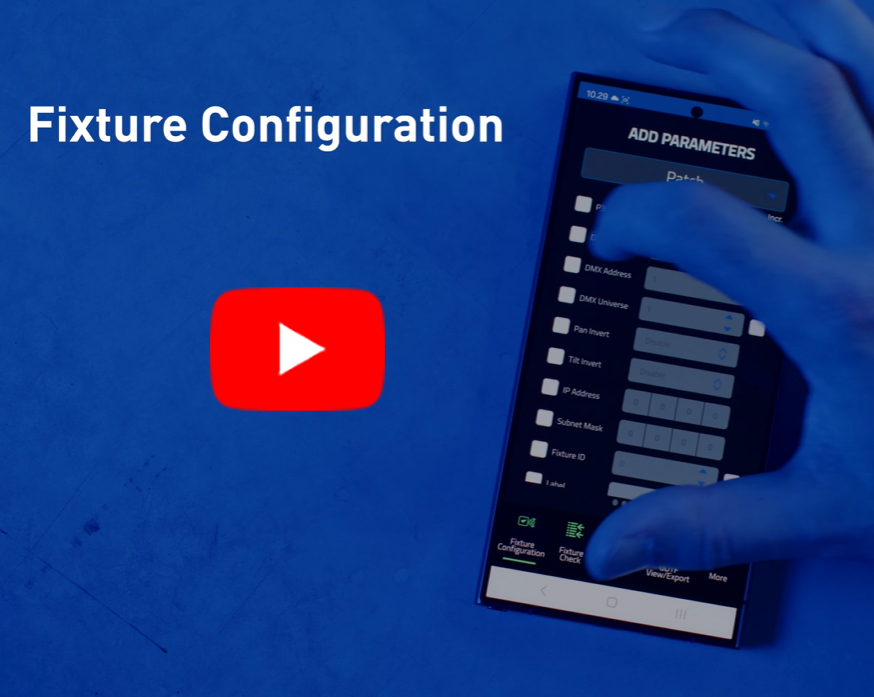
Companion Mobile’s ‘Fixture Configure’ tool lets you apply settings across multiple fixtures in seconds. See it.
A: Companion Mobile is designed for speed and simplicity. Its NFC-based configuration means you can program fixtures straight from the flight case—no need to power them up or connect to a console. This is a game-changer for rental houses prepping gear or touring crews doing last-minute swaps.
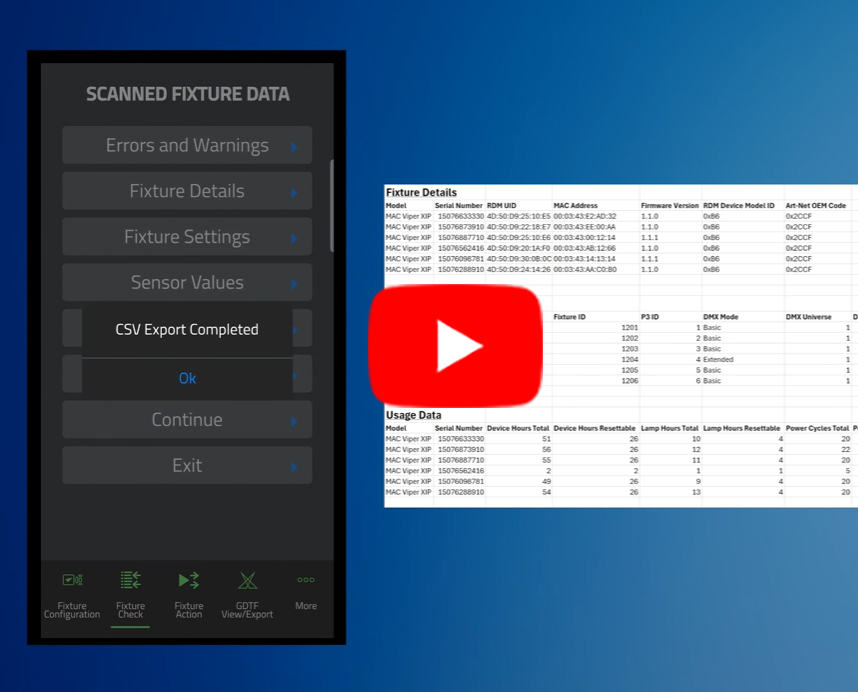
The app’s ‘Fixture Configure’ tool applies settings across multiple fixtures in seconds, while ‘Fixture Check’ helps diagnose issues onsite and export reports for documentation. It’s like having a technician’s toolkit in your pocket, optimized for real-world conditions where time and clarity matter most.
Q: Can you share some of the feedback you’ve received on the most popular Companion Mobile features?
A: Sure, here are a few of the many conveniences that we hear about most:
- “It’s so easy to enter my settings once, and then just tap every fixture before sending it out.”
- “The CSV file created by the Fixture Check tool gives me all the information I need, without any manual work.”
- “Resetting all fixtures to factory default via the App is so much faster than browsing through the display menu on the fixtures.”
- “The GDTF tool is a very handy way to quickly look up fixture information.”
Harnessing Full Control with Companion Desktop
Q: How does Companion Desktop expand on Companion Mobile’s functionality?
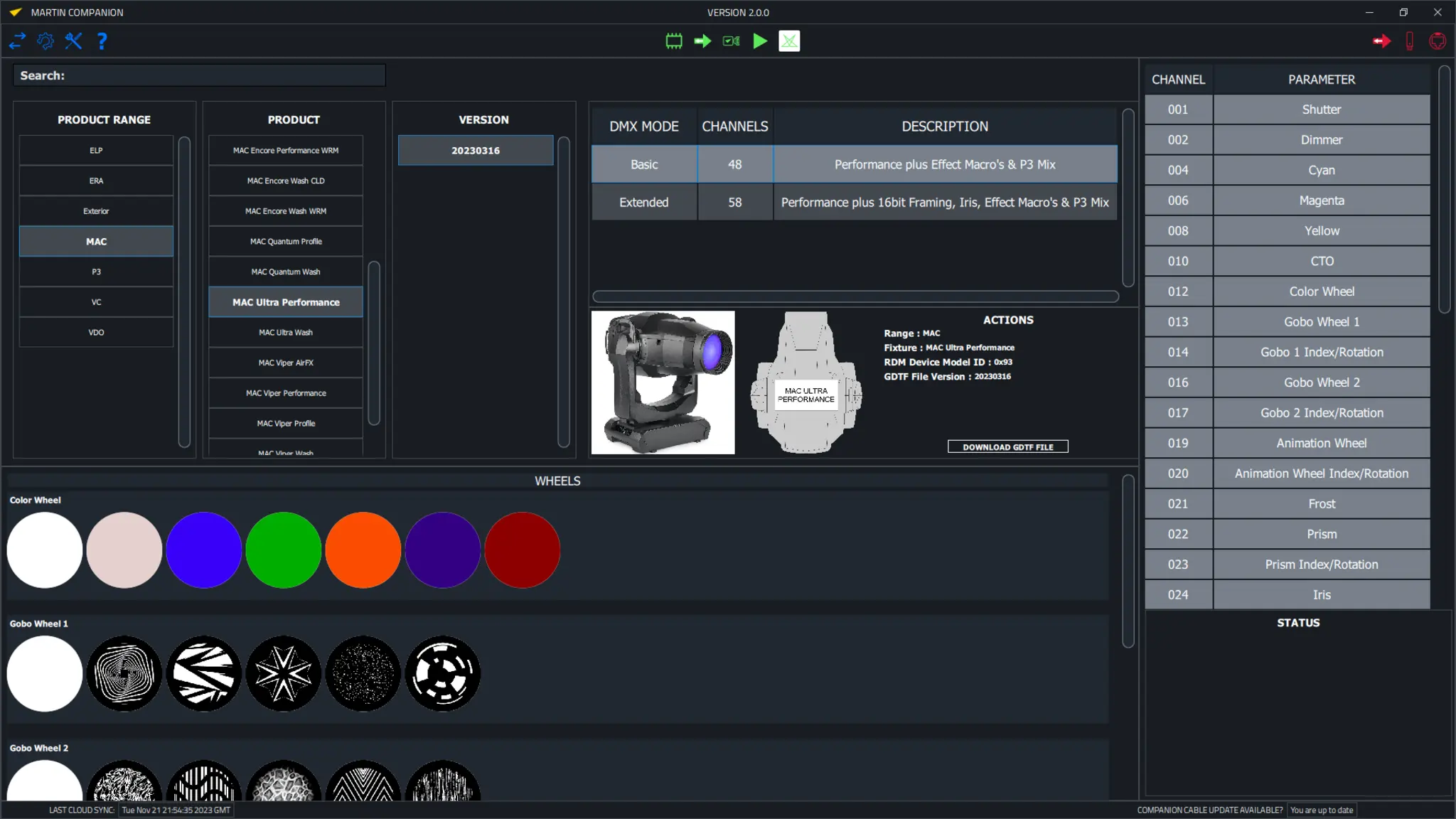
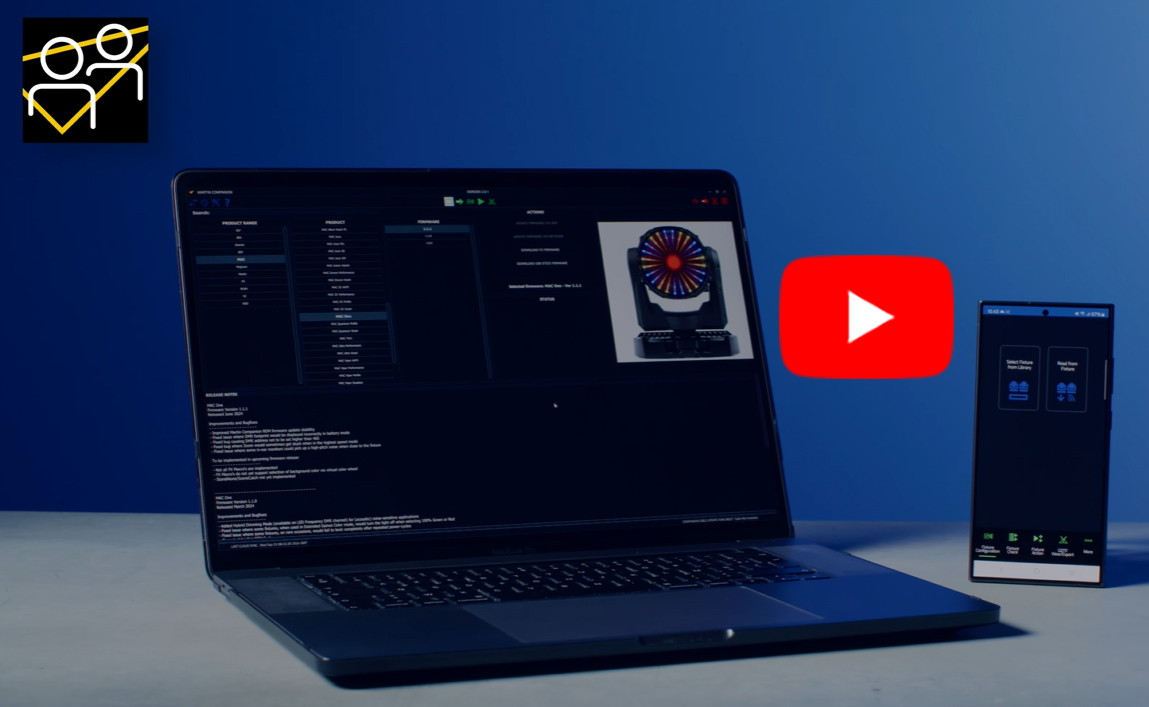
Companion Desktop builds on Companion Mobile’s strengths by offering deeper control and broader integration. Learn more.
A: Companion Desktop is more optimized for working with larger quantities of fixtures at once. The RDM spreadsheet view gives a complete overview of all settings of all connected fixtures at once.
The system communicates with fixtures using RDM over Network, allowing seamless integration into a lighting network without disconnecting the lighting console.
Additionally, Companion Desktop includes a Stand-Alone programming tool to program fixtures with up to 20 scenes, which can then be played back by the fixtures without needing to have any console (or Martin Companion) connected.
Q: Can you also share what you hear most from Companion Desktop users?
A: Here is some of the feedback that our users have shared about Companion Desktop:
- “It’s super-handy to always have the latest fixture firmware on hand, without having to browse your website to find the latest.”
- “In our tech department, I use this tool to align all fixture settings before sending them out for the next rental job.”
- “I like the fact that I now have one “master-location” to find all Martin-made and Martin-tested GDTF files.”
- “The Stand-Alone programming feature is very handy for smaller applications where I need to set up lights without a controller.”
Download the Apps and Explore Further
By uniting NFC-powered mobile configuration with desktop-strength RDM and firmware control, Martin’s Companion apps ensure every fixture is show-ready. Discover more.
Lighting fixture management transforms complex setups into streamlined workflows. By uniting NFC-powered mobile configuration with desktop-strength RDM and firmware control, Martin’s Companion Mobile and Companion Desktop apps ensure every fixture is show-ready.
Empower your team to configure, diagnose, and deploy fixtures with confidence. Download both apps for free at martin.com. Companion Mobile is available for iOS and Android, and Companion Desktop is available for Windows.
Details & Specifications:
Subscribe:
- Sign up to receive our latest updates via email
- Get notified of our latest videos to debut on YouTube
Connect with Us