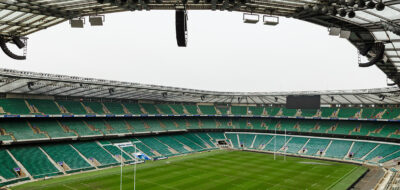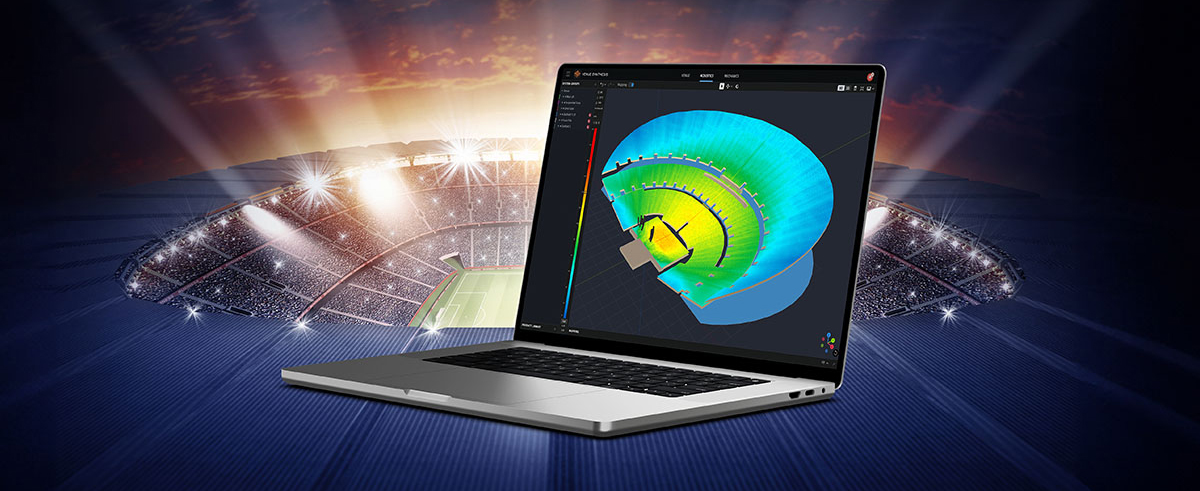
In the ever-evolving world of tour sound design, the need for powerful and user-friendly tools is paramount. JBL Professional’s Venue Synthesis (VS) 3D acoustic simulation software meets those needs with an all-encompassing solution for front-of-house (FOH) engineers and tour managers. To gain deeper insight, we sat down with Santiago Ortiz, Tour Sound Software Product Manager at JBL Pro, to go under the hood on deep dive VS functionality and how to get the most out of the software to support your designs and deployments.
Purpose-Built for Sound Design
Santiago, thanks for talking with us. What challenges were you aiming to solve when designing Venue Synthesis?
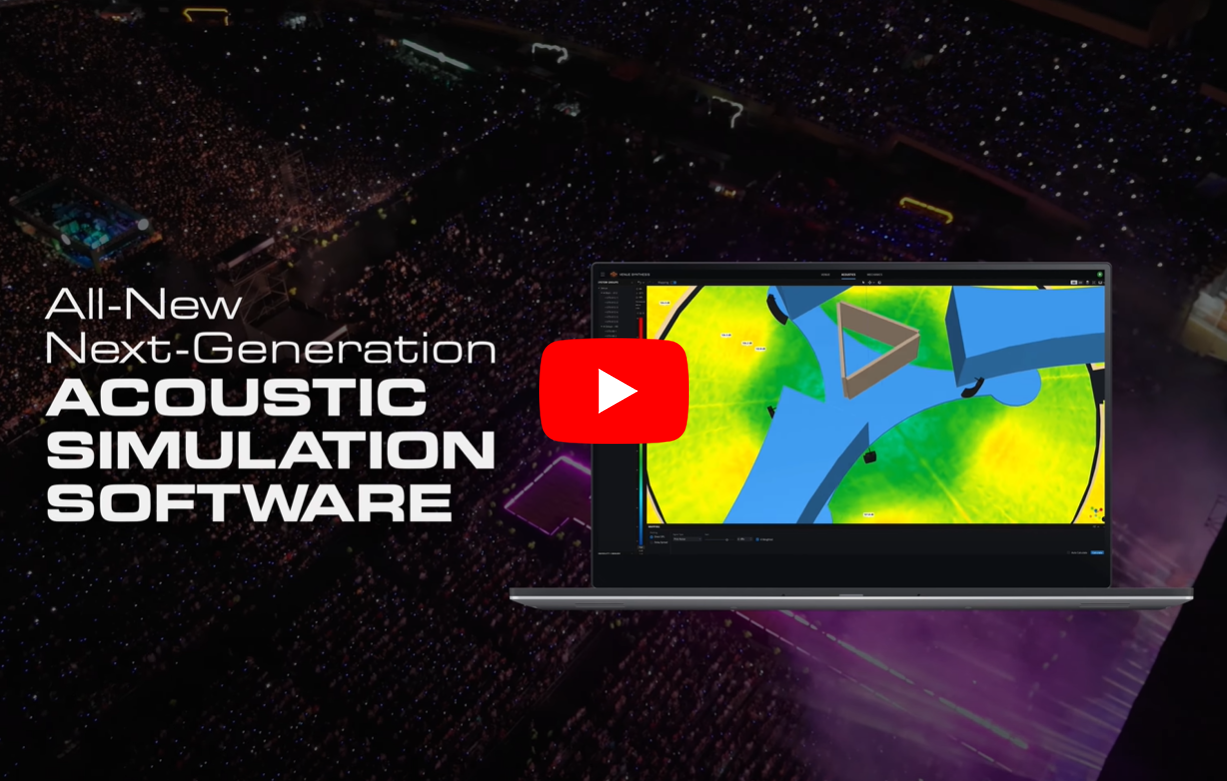
Watch this video to explore the features and key benefits of JBL’s Venue Synthesis software.
Thanks for having me. Sound system design and deployment requires proper planning and workflow to be successful. This is generally the process that users will want to consider to create and implement successful shows, including:
- Determining the accurate venue geometry with precise measurements to ensure all listening areas receive adequate and uniform sound pressure levels.
- Communicating designs accurately to get the right gear ordered and delivered, so it can be placed and angled as planned.
- Getting the system cabled and amplification and DSP configured properly
By following these recommendations, projects have the highest probability of success. The goal of VS software is to facilitate this process as closely as possible with direct and easy-to-use tools. The software is divided into three very clear modes of operation: ‘Venue’, ‘Acoustics’, and ‘Mechanics’.
- Venue includes all the state-of-the-art tools needed to import or create a geometry from scratch.
- Acoustics configures the system using linked group properties and tools in a fast and efficient way.
- Mechanics offers the ability to modify accessories and rigging characteristics to ensure the safety metrics of the design.
Take an In-Depth Tour of JBL Venue Synthesis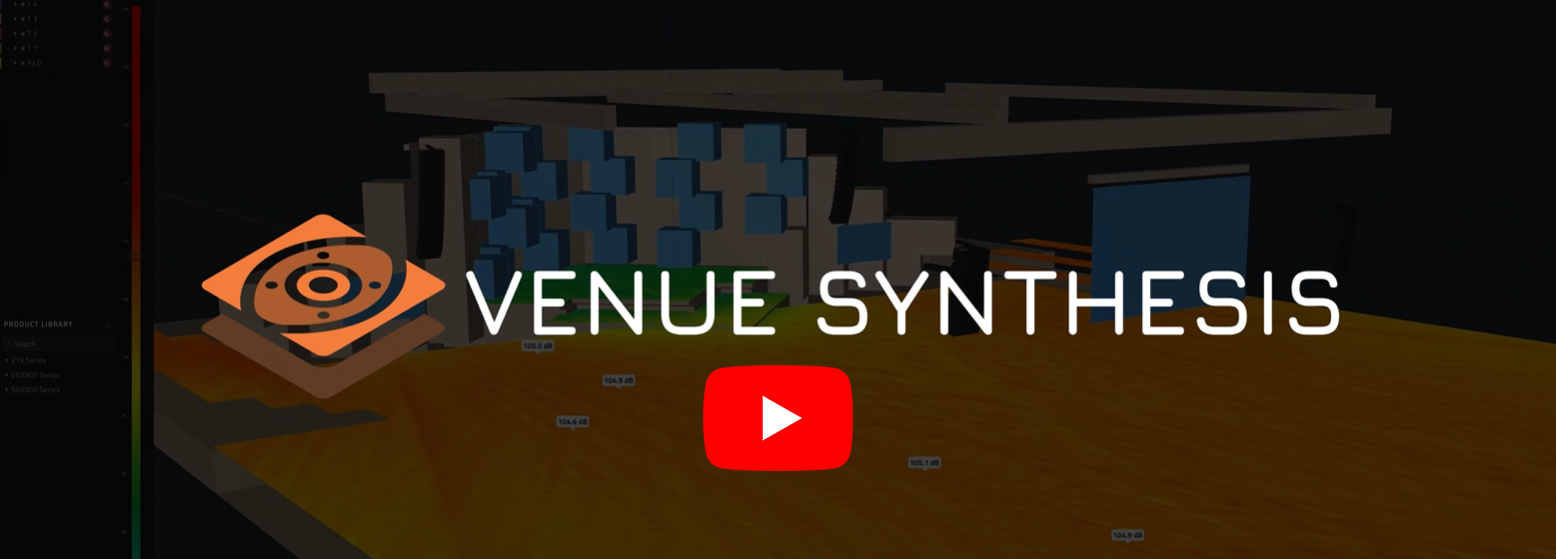
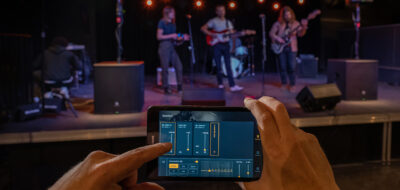
Once you design your system, you can provide a full PDF manual, containing the placement and aiming of all elements of your project, plus all the mechanical and accessory configuration data. In addition, you can transfer QR codes containing the mechanical configuration data to your mobile device using JBL’s ArrayLink app.
Finally, to deploy your system design into your amps and DSP, you don’t need to start from scratch. You can open VS files directly into JBL’s Performance and Performance Manager applications, and the system imports all your system configuration and DSP parameters directly.
We believe that with the tools and workflow that VS provides and the way it integrates into the JBL tour sound software ecosystem, the task of system design and deployment is greatly simplified to empower users to focus on creating killer shows.
Quick to Learn and User-friendly
For someone unfamiliar with Venue Synthesis, what level of experience do they need to take advantage of its capabilities?
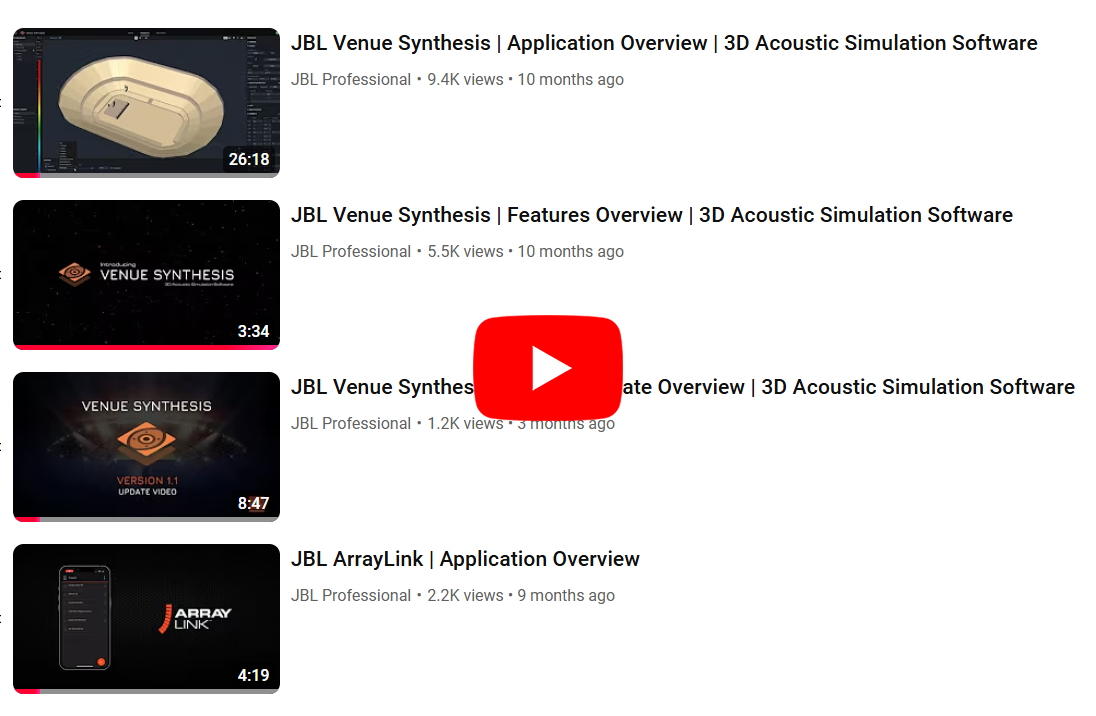
Everything you need to know to get up and running on how to use and best utilize Venue Synthesis is available in our training videos and on our website.
We have designed VS to be as user-friendly as possible. However, we recommend users spend necessary time based on their individual technical and experience level to become confident and comfortable using the software to design safely. I encourage anyone just starting out or needing a refresher, to review our training videos and product details.
The software does require some experience in 3D drawing and sound system design. However, most users can become familiar in just a few minutes. Most people who have worked with SketchUp software find VS drawing tools familiar. We created the VS SketchUp Plugin to let users create their venue first in SketchUp before importing into VS.
One feature we are also proud of is the ability to import any top- or side-cut view drawing of a venue and being able to trace it with the integrated pen tool or special object creator, allowing quick and accurate creation of complex designs like in stadiums or arenas.
Immersive Audio Integration
Can you talk about the integration of FLUX:: SPAT Revolution’s real-time immersive audio engine?
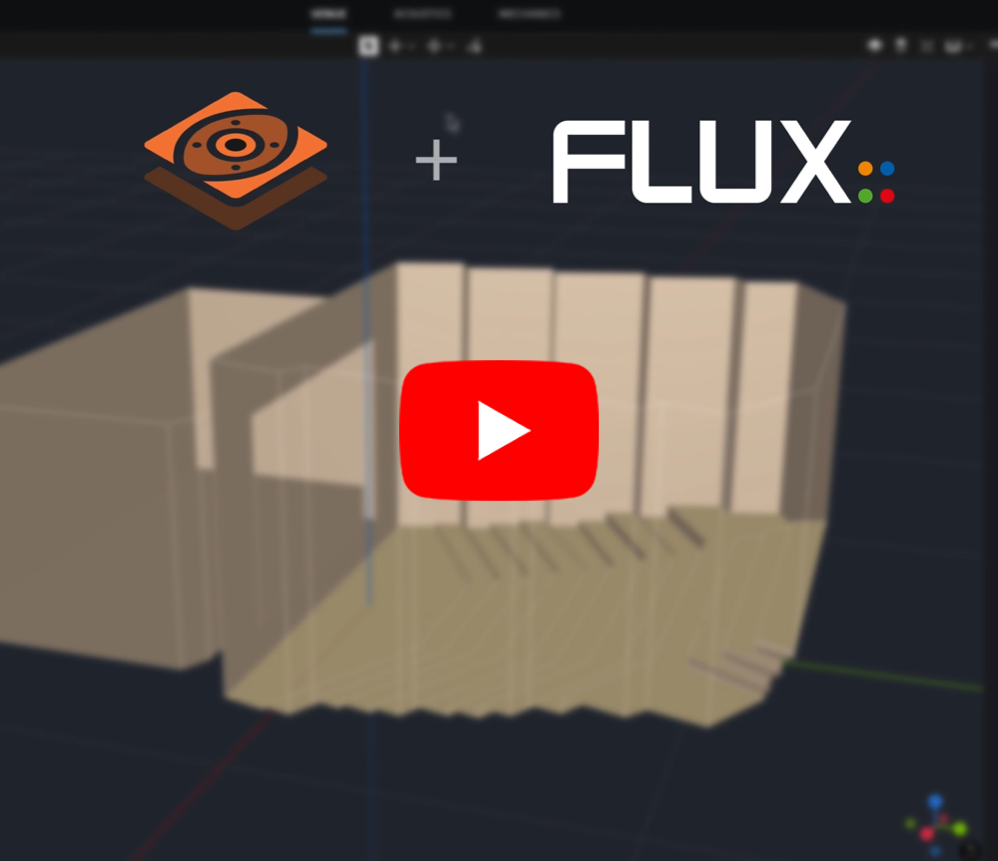
Watch this video to learn about the ability to integrate FLUX:: SPAT Revolution immersive audio speaker position data into Venue Synthesis. For details on the SPAT Revolution update, including the VS integration, check out this overview video as well.
When you design an immersive system, the coverage overlap between the speakers is crucial to have correct imaging, so VS helps the immersive system designer make sure they are achieving this overlap in the desired areas. This new FLUX:: SPAT Revolution functionality allows the immersive designer to start in VS using all the 3D tools and to check coverage and overlap.
Once the designer is satisfied, they can drag the SPAT reference into the venue and place it according to speaker layout. They can open the VS project directly into SPAT Revolution without the need for a separate file like we do with the rest of our software ecosystem, and the speaker layout will transfer directly into the SPAT Revolution environment.
Why Direct SPL Mapping Matters
What benefit does the ‘Direct SPL Mapping’ feature offer and how does Venue Synthesis assist in this area?
Direct SPL is one of the most important metrics that VS offers, because it shows the coverage of the whole system in the Venue, which is what matters most. In VS, we can analyze this with different input signal types. Because we model all the elements of the signal chain, you get the same result you would get in the field for the specified input.
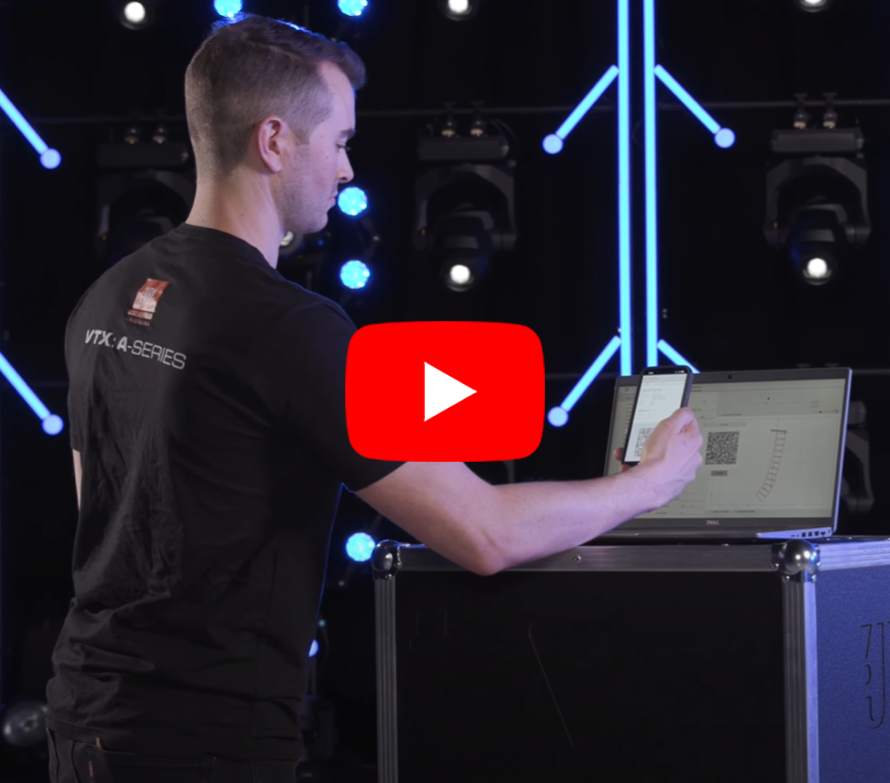
Get an in-depth demonstration of how to best use the JBL ArrayLink application to easily deploy Venue Synthesis designs.
It’s easy to see what the maximum SPL would be by driving the system until clipping. All the Direct SPL values shown are provided in RMS specifications so leaving a certain amount of headroom is always recommended.
Built-in Safety Checks
Can you share how the Mechanical Engine assists in ensuring safety and accuracy in VS designs?
The Mechanical Engine is clearly the most important component of VS because it provides exacting product mechanical data for JBL tour sound products and critical laboratory limits for all safety parameters.
This engine is always running in the background, computing exact angles and aiming data, according to accessories used and user configurations. It also provides warnings whenever a configuration is not safe, which reviewers must critically review and resolve.
Of course, safety will always be our top consideration as it should be for anyone using our software and products. That’s why we integrate safety mechanisms like the Mechanical Engine. However, we must rely on anyone using our software, to ensure they have taken the time to get properly trained to use it, paying close attention to all information and warnings, and implementing that information into their designs. In difficult and very windy environments where lateral forces are considerable, further analysis by an expert is required. This is beyond the compliance of safety factors produced by VS, which cannot account for such strong lateral forces.
What Users Are Saying
Can you share some of the real-world feedback from Venue Synthesis users and what features they most appreciate?
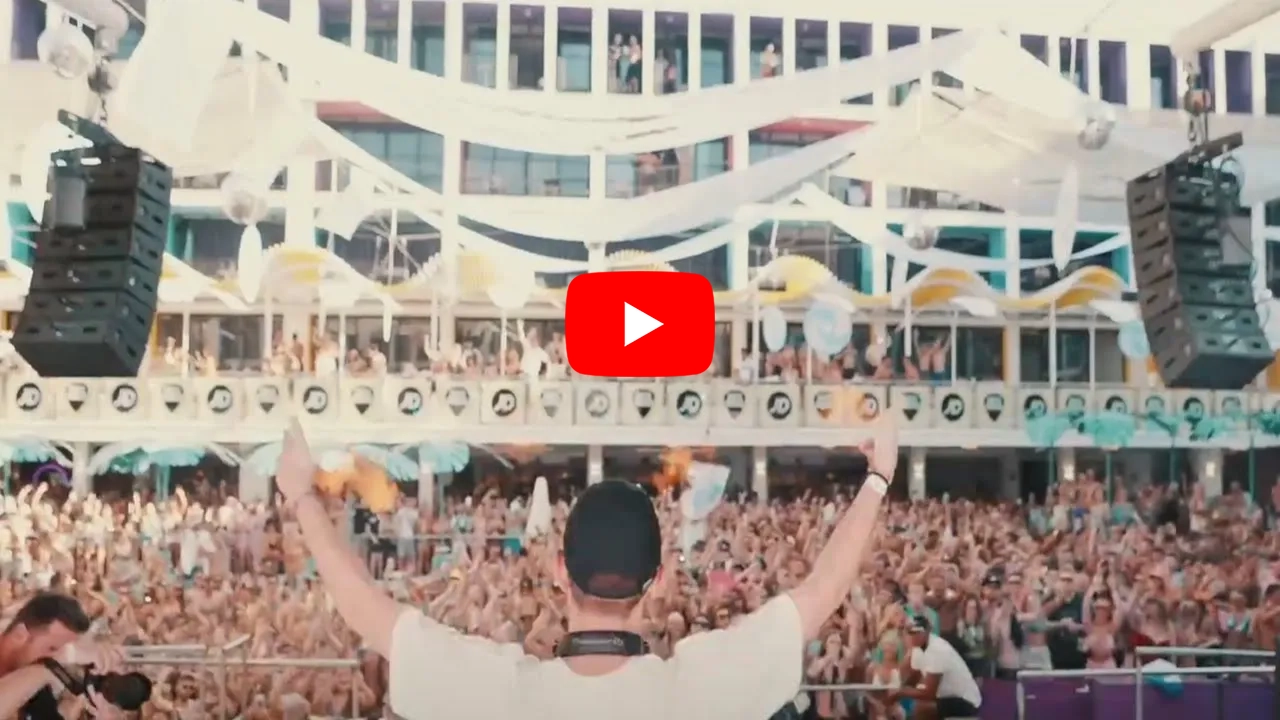
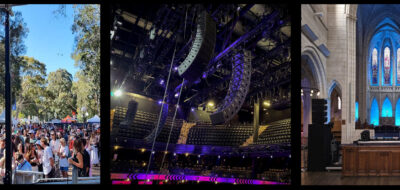
Explore one of the many examples of installations around the world that were modeled using JBL Venue Synthesis software in this Video Case Study at Spain’s Ibiza Rocks Beach Club.
One of our clients gave me the most telling feedback who summarized that before Venue Synthesis, he had only one design “expert” on his team but now most of his more technical people can easily use VS to do things capably.
We were very pleased to hear that our team facilitated such a shift in tightening the knowledge gap and empowered clients to accomplish much more than before with the same amount of staff. Reducing time and increasing efficiencies was one of our primary goals and we were happy to facilitate this improvement.
Additional feedback we often receive is that we have significantly raised the bar for what 3D acoustic simulation software should be, how it should function, and how it should be both simple to manage, yet powerful to use. And now others are following. We look forward to continue leading this effort, bringing more useful tools to the market, and making them easier for anyone to use.
EXPLORE FURTHER
Dive into our support resources to get complete details, specifications, and more:
- Details and Specifications:
- Videos:
- Training
- Case Studies and Media Coverage
- Technical Support
- Our Anytime Help Center is available for any support need
- Subscribe:
- Sign up to receive our latest updates via email
- Get notified of our latest videos to debut on YouTube
READY TO TALK TO A SOLUTIONS EXPERT
If you are interested in JBL Pro Soundbar, Installed Audio, or other professional audio support, we have a solutions expert ready to assist you. To locate a representative near you, please visit our WORLDWIDE LOCATOR.