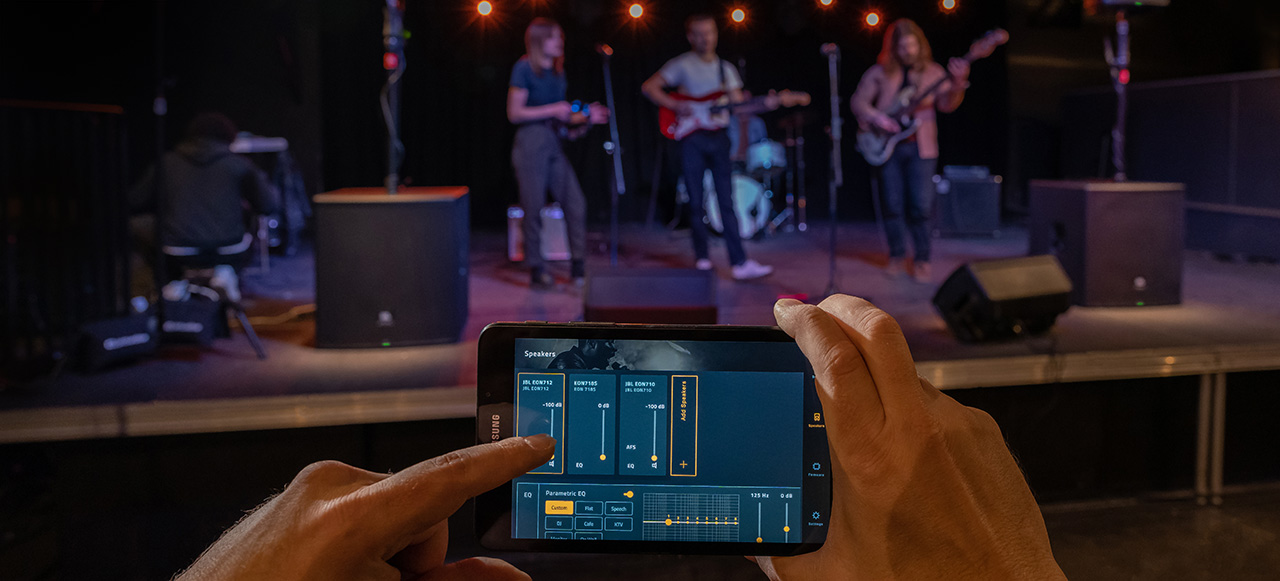

In live sound performances and presentations, clarity is everything. Whether you’re a DJ hyping up a crowd, a fitness instructor leading a high-energy class, or a corporate presenter delivering a keynote, your voice needs to cut through the mix without distraction. That’s where audio ducking comes in. It’s built directly into JBL’s portable PA systems to give performers and presenters a simple, powerful way to keep their message front and center.
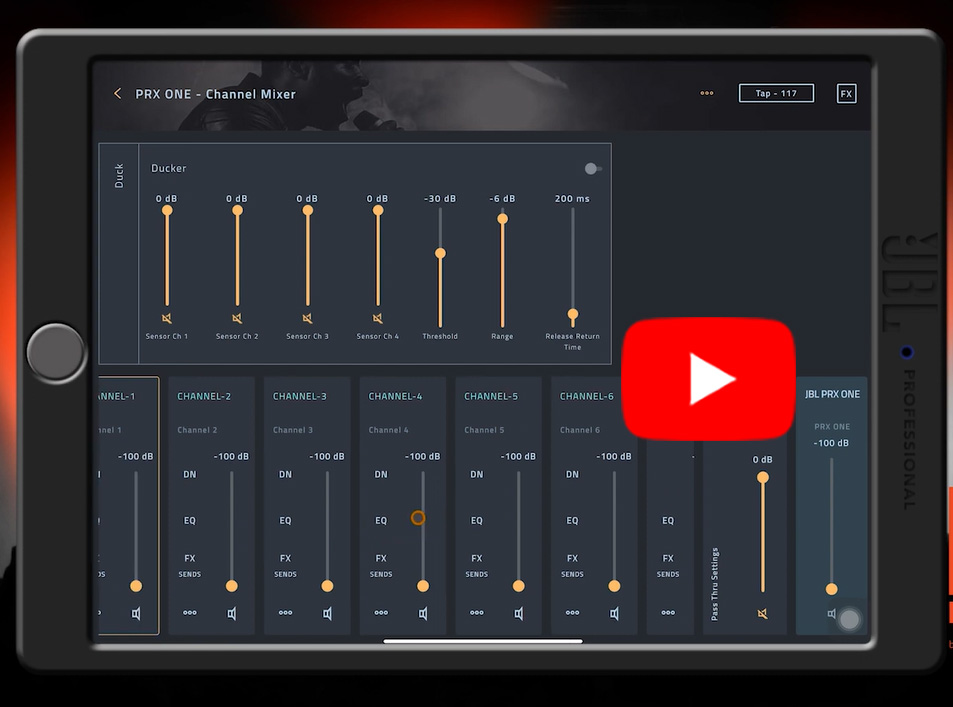
Check out this video to explore what’s possible with audio ducking inside the JBL Pro Connect App.
To explore how ducking works and why it matters, we sat down with Adilson Silva, JBL and HARMAN Professional Solutions Product Applications Specialist to break down the nuances of ducking and how to best utilize it in real-world applications. JBL Senior Product Manager Brandon Knudsen also collaborated to this discussion.
What Is Audio Ducking Technology and Why Is It Important?
Q: What is audio ducking technology, and how does it work in a live sound environment?
A: Have you ever been at an event or presentation and noticed how the background music instantly fades out when the emcee starts speaking, then smoothly comes back up once they’re done? That’s not a frantic sound engineer riding the faders. That’s ducking in action.
Q: Why is ducking important for professionals like DJs, fitness instructors, and corporate presenters?
A: When there’s a mixing engineer involved, even if they choose not to use a tool like ducking, the adjustments will still happen manually — though not with the same efficiency ducking provides. But what happens when the speaker or musician doesn’t have a mixing engineer and must juggle multiple roles? In that case, ducking becomes an essential tool to help deliver the best possible experience to the audience.
How Ducking Improves the Performance
Q: Can you share more about how ducking can improve a musical performance?
A: Ducking for music performances is the pinch of emotion that is delivered to singers who use playback in their performances. When the singer’s voice is detected, the playback is lowered, allowing the singer’s voice to be clearly heard. It can then be returned with full intensity at the end of the phrase, giving dynamics to the playback.
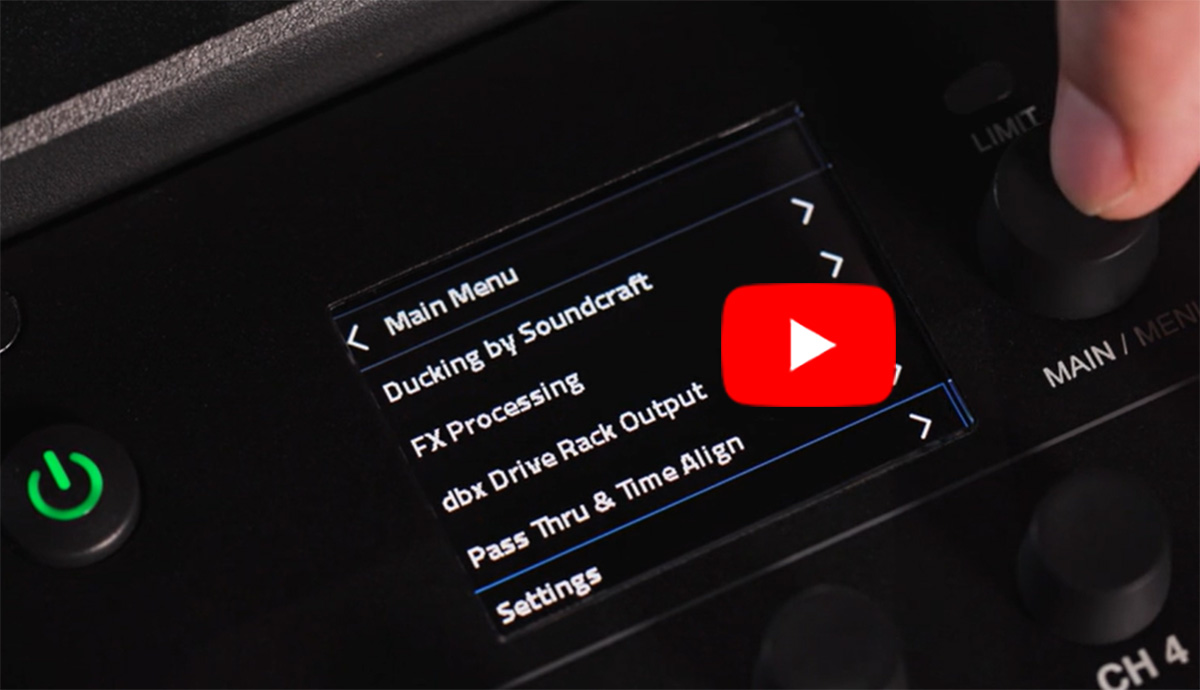
Audio ducking on JBL Portable PA speakers that do not utilize the JBL Pro Connect App is also easily updated using the Channel Mixer on the applicable speaker. Learn more.
Ease of Automatic Ducking vs. Manual Adjustments
Q: How does ducking compare to manually lowering music volume when speaking?
A: Manually adjusting the music volume each time a speaker starts or finishes talking can be tedious and exhausting for a mixing engineer. That fatigue often leads to inconsistent timing. With music ducking, the activation time is always consistent — and it frees the engineer to focus on other tasks, like selecting the next track to play.
Q: What are your top tips for setting up ducking effectively for the first time?
A: Just turn on the feature, select the input channel that will trigger it, play some music via Bluetooth, and choose which input will act as the ducking trigger to lower the volume of the music. Then simply listen to it, working with the default settings. After that, start exploring what each parameter does individually so you can fine-tune them. You’ll notice that simply enabling the feature and selecting the trigger channel meets most needs with the default configuration.
Spotlight Solution:
Ducking Technology for JBL’s Portable PA Systems
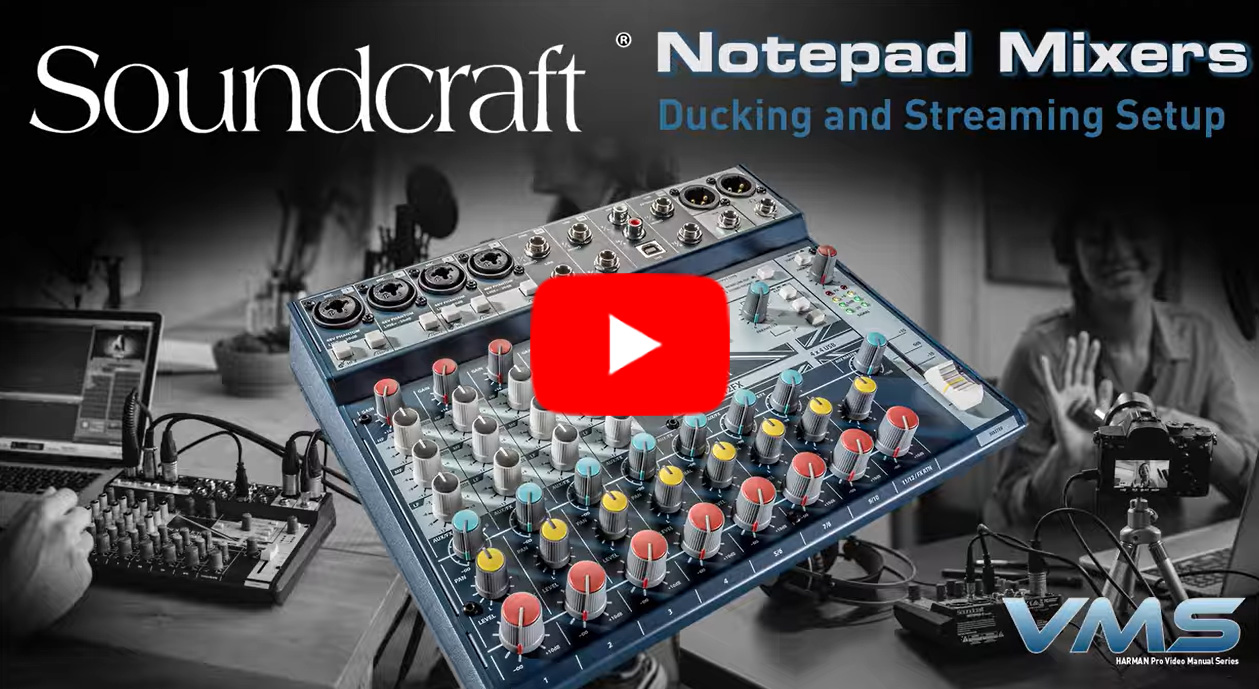
Explore the latest ducking technology from Soundcraft in this video focusing on Ducking with Soundcraft Notepad Series mixers.
Exploring JBL Portable PA Ducking Technology
Q: How did ducking evolve into the JBL Portable PA lineup?
A: JBL Portable PA ducking technology initially appeared in Soundcraft mixing consoles. Experienced engineers have long used ducking and know how to apply it in various ways. For example, they insert ducking on the bass channel and trigger it with the kick drum channel, giving the bass maximum punch while subtly lowering the volume whenever the kick hits. This technique creates space for the kick to cut through the mix. JBL refined this concept into an easy-to-use tool, now available in our portable PA systems. The system automatically controls Bluetooth music volume based on microphone input triggers.
JBL Pro Connect App Ducking Capabilities
Q: Can you walk us through enabling and controlling ducking using the JBL Pro Connect App?
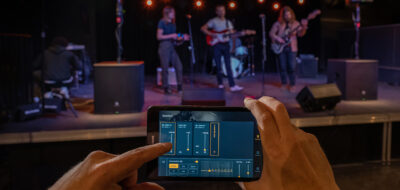
A: When using the JBL Pro Connect App, the magic of ducking happens simply by switching the feature ON and selecting the input channels (sensors) that will serve as the ducking reference. You then simply play your music and adjust your Range and Release. These are the two key parameters to tailor the effect to your unique application.
For more formal settings, use a longer release and a deeper range to attenuate the music, bring the voice through clearly, and create a brief pause before the music returns to full volume. In energetic environments like fitness classes or DJ parties, lighter attenuation is enough. Starting with a -6 dB range and a short release works well to maintain the music’s rhythm and keeps the crowd engaged during announcements.
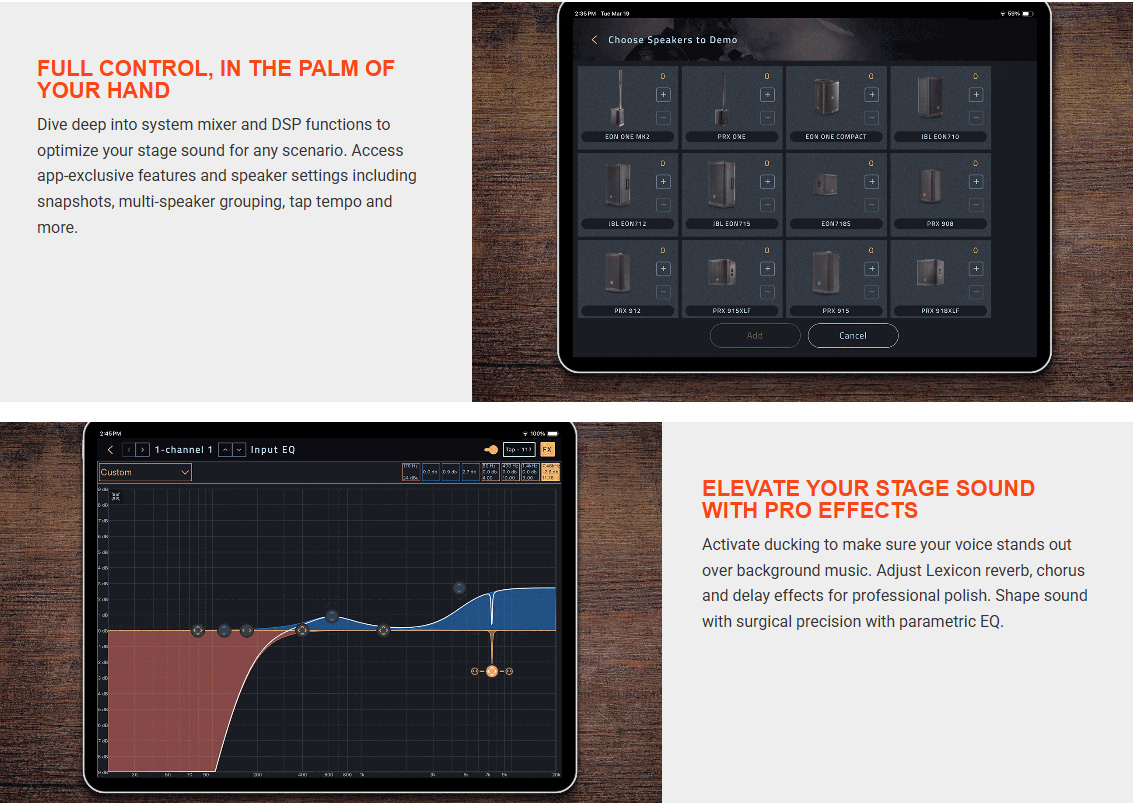
The JBL Pro Connect App simplifies management of select JBL portable PA speakers and systems, including managing pro effects like ducking. The app is free and the only app needed to ensure that available portable PA models perform at their very best. Check it out.
Q: Can you share some of the customizable ducking options in the JBL Pro Connect App?
A: Adjustments like sensitivity and depth of volume reduction are essential to tailor ducking to different applications. Sensitivity settings — specifically the sensor and threshold — are the first and most critical steps to ensure proper voice detection. It’s important to speak into the microphone at the same intensity you’ll use during your presentation when making these adjustments. This ensures the most accurate results. Once you set that, adjust the next parameters — Range and Release — as artistic choices. You choose what works best for your style and how you want to be heard.
One-Touch JBL Ducking Capabilities
Q: For JBL Portable PA speakers that aren’t Pro Connect App-enabled, how easily is ducking managed through the built-in mixer?
A: The user presses a single button to enable music ducking — that’s it. It’s incredibly intuitive. On these models, ducking uses factory-default settings for timing and music attenuation. These medium values will meet most users’ needs. Beginners typically feel very confident using it in this mode.
Q: Which JBL Portable PA models currently support ducking?
A: All JBL Pro Connect App-enabled speakers and systems include ducking as a feature. Currently that includes: PRX ONE, EON ONE MK2, EON700, PRX900 and EON ONE Compact families and speakers. You can confirm the latest models here. But it’s also available as a standalone feature in speakers like the JBL IRX ONE and IRX 100 Series with one-touch control that’s incredibly simple for anyone to use.
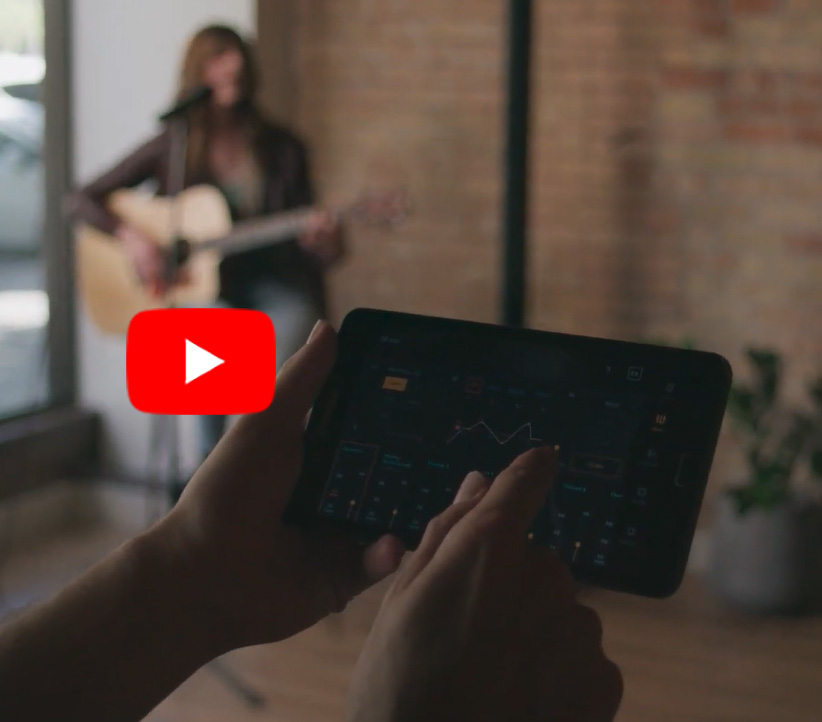
Explore this JBL Tech Talk that dives into the JBL Pro Connect App and its effects like Ducking.
Q: What feedback have you received from professionals using this feature?
A: Users describe the ducking feature as “magical.” Once they adjust it properly, they wonder, “How does this speaker even do that?” After their first experience, they feel fascinated and often joke that they can’t imagine managing without it.
Explore Further and Let’s Talk
We invite you to explore our product portfolio for more ducking details and you can even test drive the features without even connecting a speaker via our JBL Pro Connect App’s Demo Mode feature. We’d also love to connect to understand how we can best support your projects.
- JBL Portable PA Solutions Portfolio
- JBL Pro Connect App Details and Downloading
- JBL Case Studies
- JBL Training Resources
- Anytime Help Center
Connect with Us:
- Sign up to receive our latest updates via email
- Get notified of our latest videos to debut on YouTube
Ready to Talk to a Solutions Expert?
We’d love to discuss your projects and ideas. To locate a representative near you, please visit our WORLDWIDE LOCATOR.